Analytics Dashboard
Analytics Dashboard Overview
The Analytics Dashboard is organized into several sections, each providing insight into a different aspect of your mobile app’s performance. The primary sections include:
App Performance
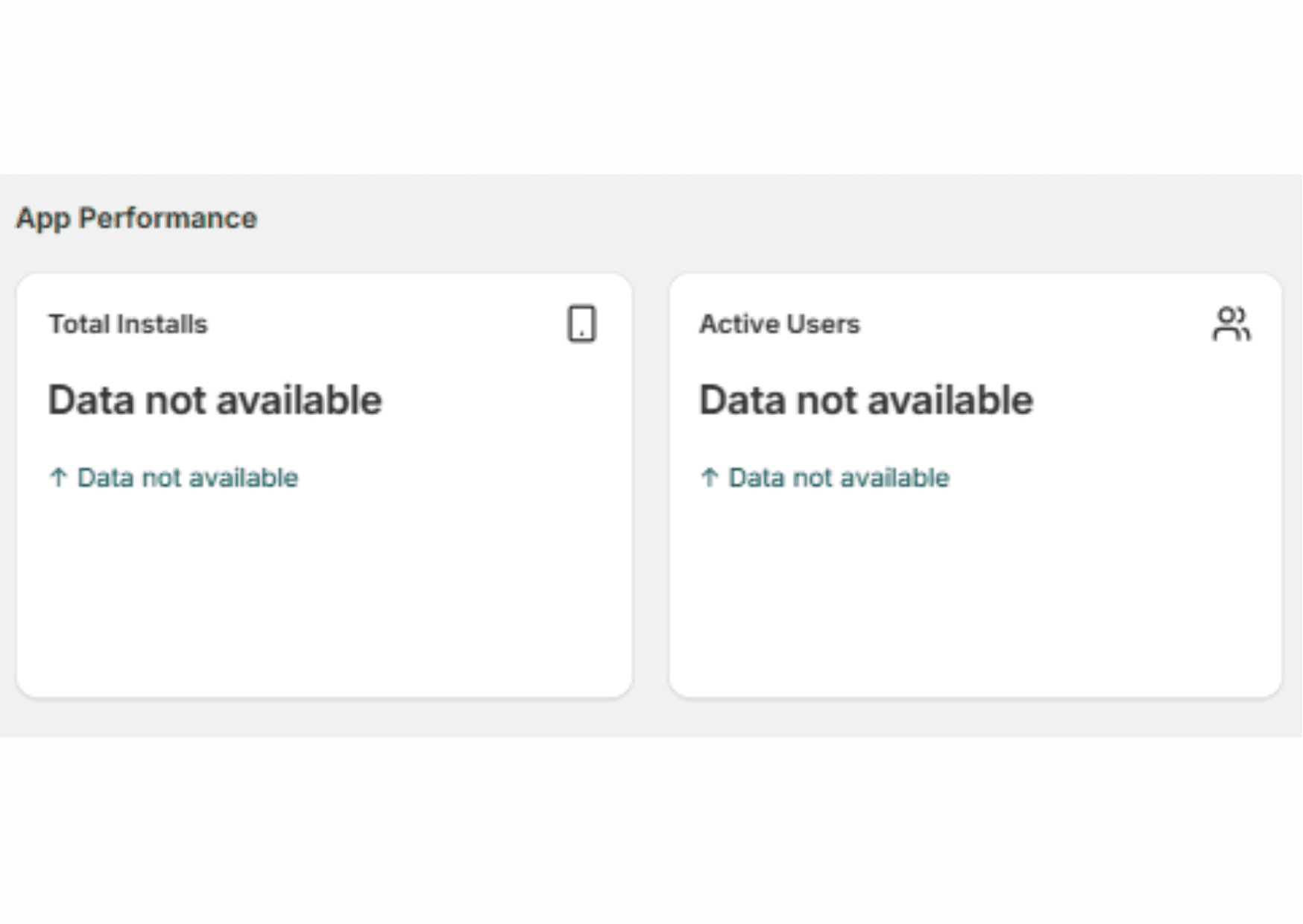
This section provides a top-level view of how your app is performing in terms of installations and user activity.
Total Installs
How many users have installed the app. It helps evaluate the success of marketing efforts and demand.
Active Users
It reflects the number of users actively using the app over a selected time range (e.g., daily, weekly, monthly). Indicates retention and engagement levels.
Store Performance
Tracks the commercial and operational outcomes generated through the app.
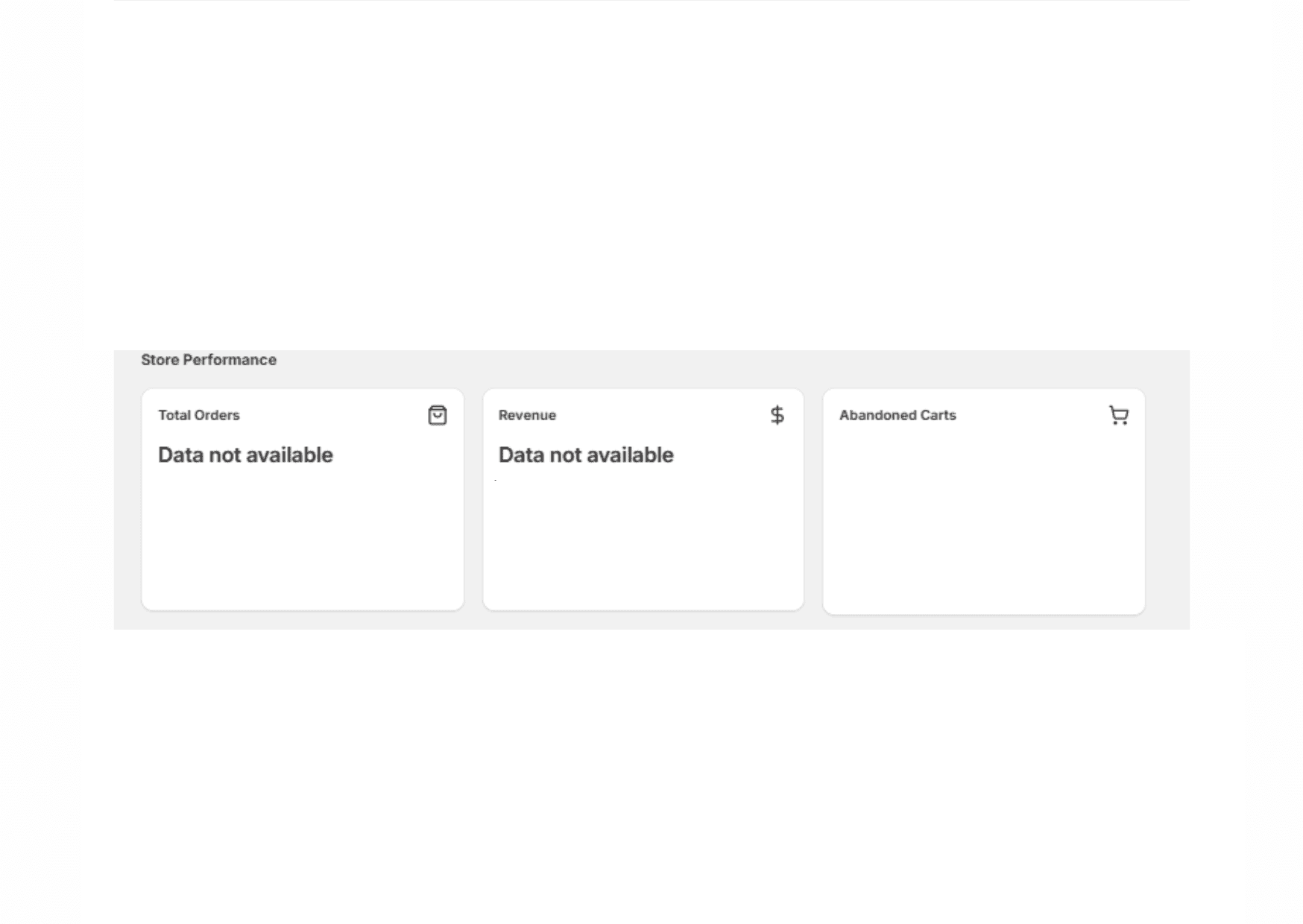
Total Orders
Shows the number of orders placed via the mobile app. Helps assess conversion and app-driven revenue generation.
Revenue
Displays the total monetary value of purchases made through the app. Vital for understanding financial performance and ROI.
Abandoned Carts
Abandoned carts reveal how many users added items but didn’t complete checkout.
User Engagement
Focuses on how users interact with push notifications and in-app features.
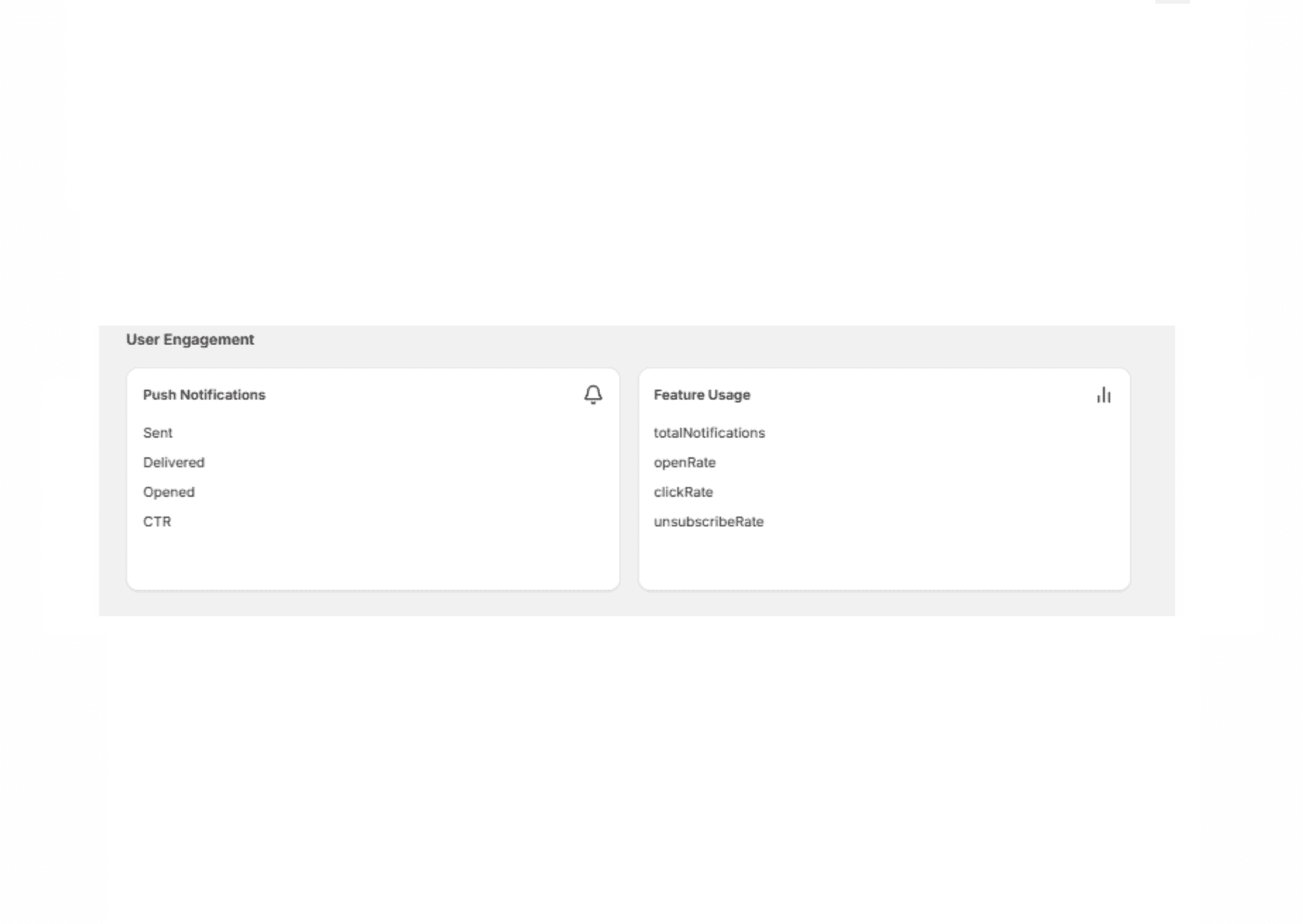
Push Notifications
Sent
How much notifications have been sent to customers
Delivered
This metrics shows delivered notifications
Opened
How many notifications are opened by customer
CTR (Click-through rate)
Here you will see average number of clicks per user sessions.
Traffic Sources
Provides insight into where your app traffic is coming from and its effectiveness.
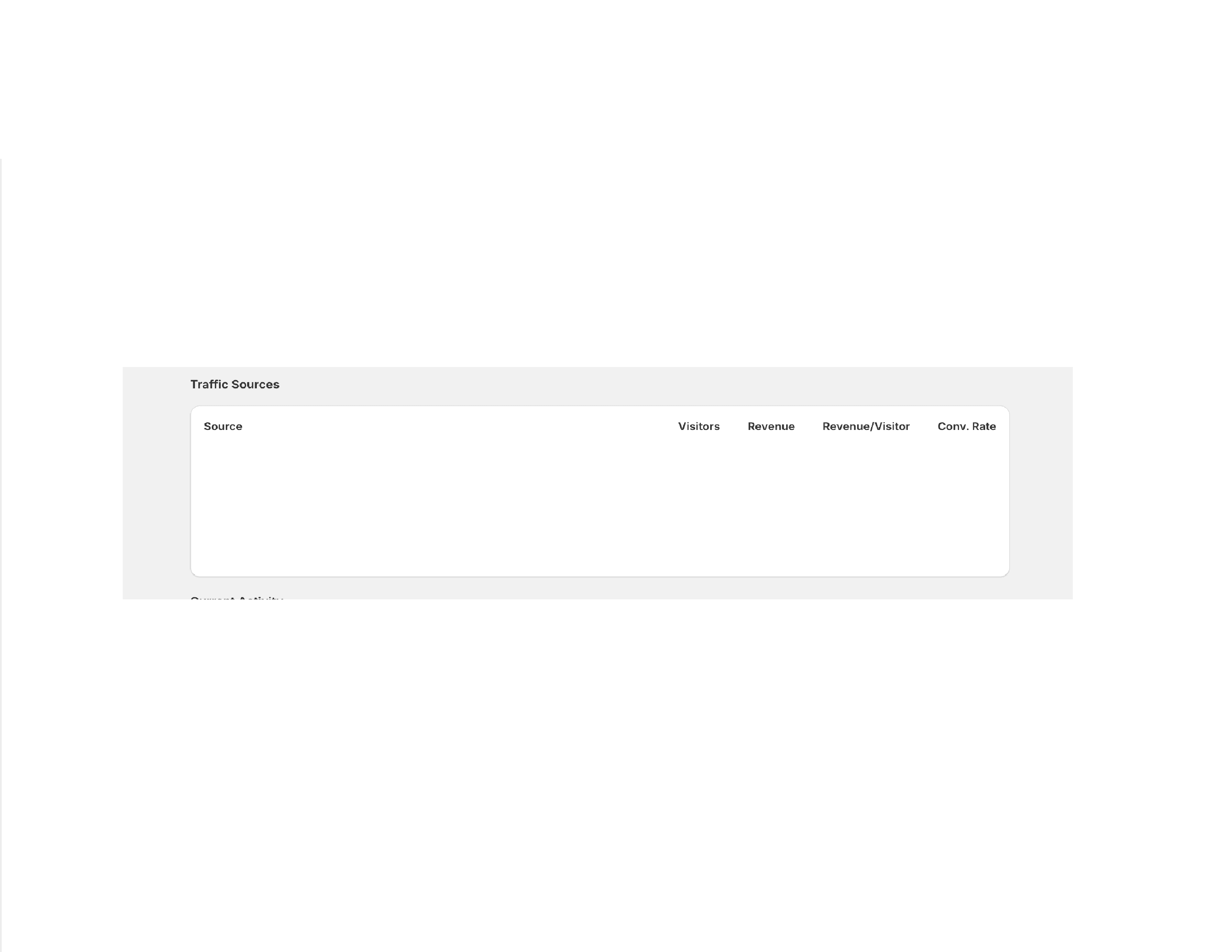
Source:
Traffic channel (e.g., Google, direct, social)
Visitors:
Number of users from that source
Revenue:
Amount generated from that traffic
Monetization efficiency per user:
Monetization efficiency per user
Conversion Rate:
Percentage of users who made a purchase