Jun 19, 2025•5 min read
How to Install Appify.it on Your Shopify Store

Appify.it Plugin for Shopify Store
Here is a step by step guide for user to add and install the Appify.it plugin to your Shopify store and start creating a mobile app without writing a single line of code.
Step 1: Log in to Your Shopify Admin
Go to Shopify Admin and log in with your store credentials.
Step 2: Search for Appify.it
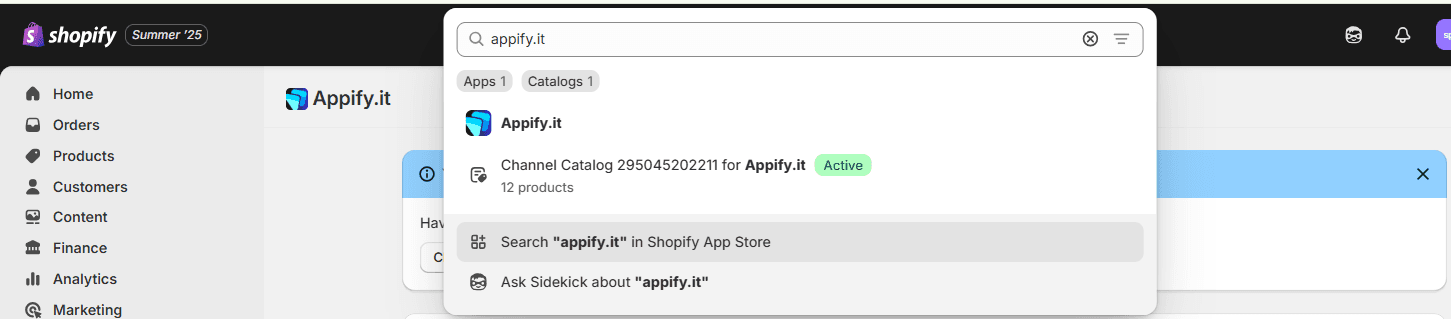
- Locate the search bar at the top of your Shopify admin dashboard.
- Type “Appify.it” into the search field.
- Select the Appify.it listing under Apps or click Search "Appify.it" in Shopify App Store.
Step 3: Install the Appify.it Plugin
To get started, simply click on Appify.it in your search results to open its app listing. Once there, hit the 'Install App' button. Follow the on-screen prompts to complete the installation process.
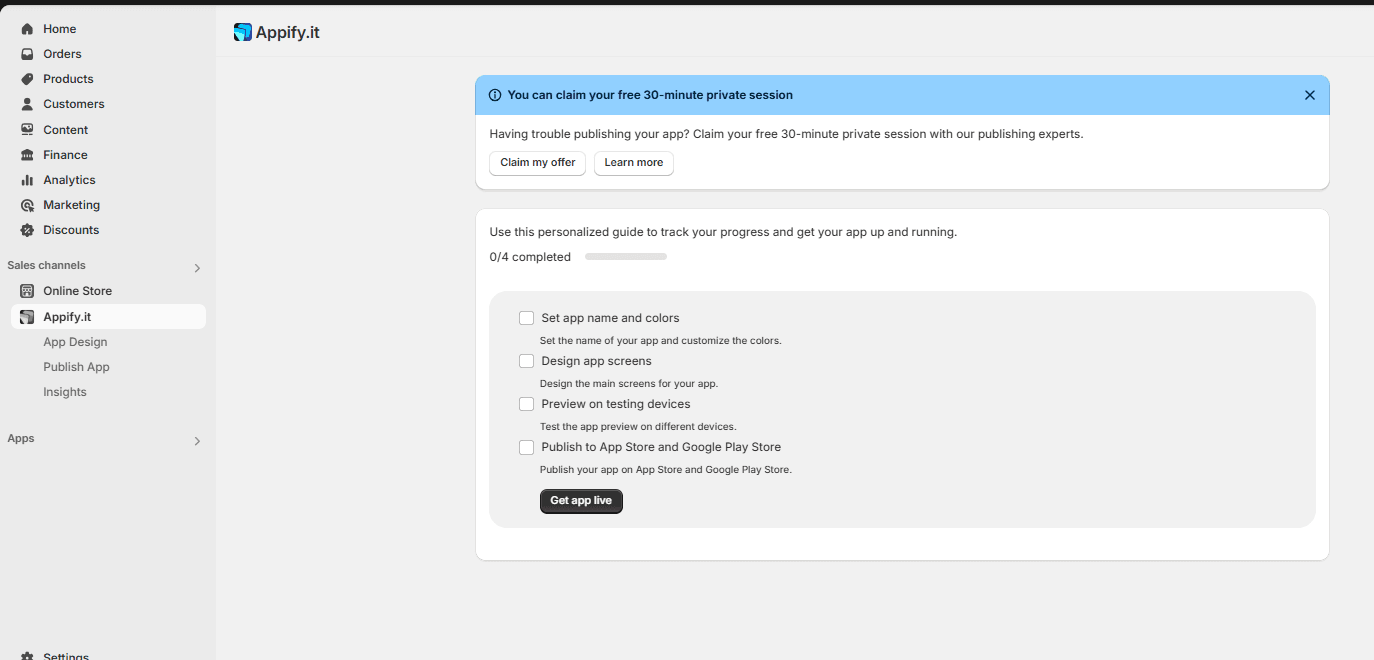
Step 4: Launch Appify.it From the Sidebar
After installation, you'll find Appify.it conveniently located in the 'Sales Channels' section of your Shopify admin sidebar. Simply click on it to launch the app and start enhancing your store!